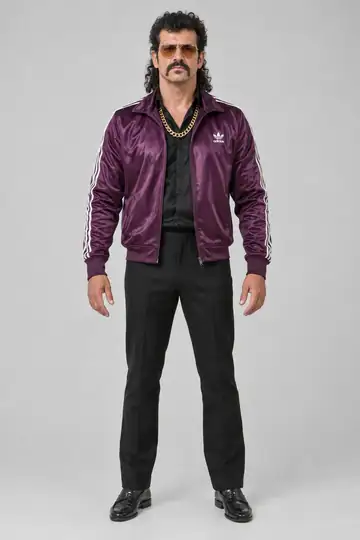
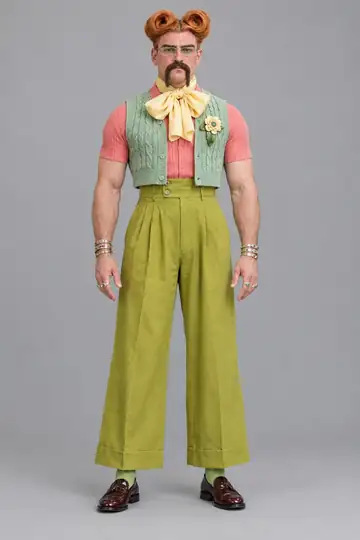
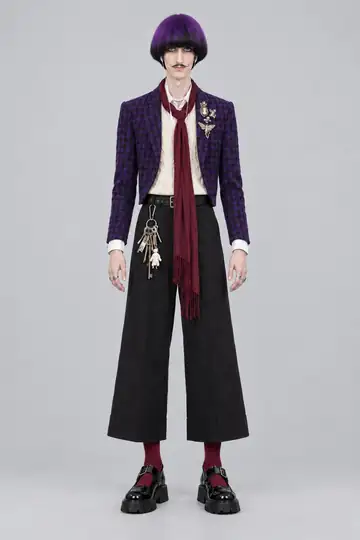
Halloween AI video: how to put a costume on your AI influencer
6 min read
To make a Halloween AI video or costume photo, you create a costume look for your AI influencer on Duble AI and put it into a photo or a trend. The look costs 2 credits, and the influencer can be one from the cast, one you invented or one made from your own photos.
How do I put a Halloween costume on an AI character?
In the app, your influencer is called a double, and each outfit or costume is a look: the same person wearing something else. A Halloween costume is just a new look. The general walkthrough is in how to change your AI influencer's outfit; this is the Halloween version.
- Have a double. Take one from the cast, describe one, build one or make one from your photos. How to create an AI influencer covers the four ways. Making the influencer costs nothing, up to 1 images.
- Open the looks. Tap Doubles, pick the influencer, open the Looks tab and tap New look.
- Choose the costume. Under Or use a ready-made outfit, scroll the row and tap a costume. Or tap Add reference photo and upload a photo of a costume you have the right to use. Or type it in the What changes? box, like "a superhero costume". With a ready-made outfit or a photo, the words are optional.
- Name the look (optional). Left empty, it takes the name of the request.
- Tap "Create look · 2 credits". You go back to the Looks tab, where the new look is a Making the look card until it is ready. The app does not say how long that takes.
- Check the face. The influencer keeps its identity, but the face can drift a little from one look to the next. Look before you spend on a photo or a video.
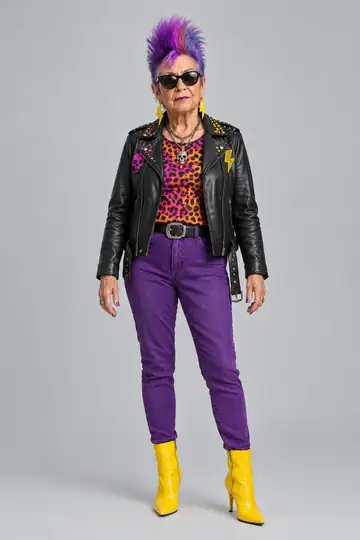
Which Halloween costumes does the app have?
The row of ready-made outfits holds a drawing of one costume alone, with no person and no brand. The main ones are:
- Classics: Vampire, Witch, Skeleton, Zombie, Mummy, Ghost, Werewolf, Grim reaper, Pumpkin, Zombie bride, Black cat, Creepy clown, Devil and Cleopatra.
- Funny ones: Carried by an alien, Riding a dinosaur, Inflatable dinosaur, Inflatable shark, Riding a unicorn, Banana, Hot dog and Chicken.
- Others: Pirate, Astronaut, Police officer, Superhero and more.
The list can change over time. For a costume that is not on it, upload a photo or describe it. The Terms ask you not to use characters or brands that belong to another person or company, so stick to generic costumes.
How do I put the costumed influencer into a photo?
The photo starts from a photo of yours with people in it, and the influencer is drawn into it. The place and the other people stay as they are. There is no photo made from text alone and no background picker. A photo from a party, a bar or the street with friends works, as long as you have the right to use it and the people in it agreed.
- Tap Doubles, pick the influencer, open the Photos tab and tap New photo.
- Under Your photo, tap Choose photo. JPG, PNG or WebP, up to 8 MB. The ready-made photos in the app are not Halloween ones, so upload your own.
- Under What to do with the photo, pick Swap into the photo (it takes someone's place) or Join the photo (it shows up next to whoever is there).
- Under Which look, tap the costume look.
- Tap Make photo · 2 credits. About a minute later you get a vertical 4:5 post, Instagram's feed shape.
More in putting your influencer into a real photo.
How do I make a Halloween AI video?
A video always starts from another video: a trend from the library or a video of yours. The influencer takes the person's place, in the costume look you chose, and the original sound stays.
The example above is a suit look, not a costume, but the path is the same: the look you pick is what appears in the video.
In a trend. On Home, pick the influencer and, just below, the costume look. Open a trend from Trending, answer What plays in this video? and tap Generate video. The library changes every week, and a Halloween trend is there only when one has been posted; any other trend works for your costumed influencer. The trend video walkthrough explains each choice.
In a video of yours. Film yourself and your friends at the party and swap one person for the costumed influencer. Tap the first card on Home, Use your own video, then Choose a video or Record now. MP4 or MOV, 3 to 30 seconds, up to 80 MB. With more than one person, use Say who Enzo Puff replaces (optional), with your influencer's name in place of Enzo Puff. Only upload videos you have the right to use. See how to replace a person in a video.
How much does it cost?
Everything is in credits, which never expire:
- A costume look: 2 credits.
- A photo: 2 credits.
- A 10-second trend at Standard quality: 30 credits.
- A video of yours: 3 credits per second at Standard.
A look or a photo that fails is not charged, and a video that fails gets its credits back. The one-time pack 130 credits has 130 credits for $19.99, and a video starts at $4.44 on the larger monthly plan.
What can go wrong?
- The face drifts a little. A new look is not an exact copy. Change one thing at a time and check.
- The video's scene can change a little. The app redraws the whole video with the influencer in it.
- Costumes with very little clothing. Very short outfits are sometimes turned down, and nothing is charged.
- Gory horror. The app does not make violence. A request with blood, wounds or a weapon used on someone can be refused.
- Cast members. The image model sometimes refuses to change them. Nothing is charged, and the invented people in the cast tend to be refused less.
- Limits. Each double holds up to 20 looks, and one look is made at a time.
Do I have to say it is AI?
Yes. Label the post as AI-made content when the platform asks and make it clear on the profile. The finished video's page reminds you. Each network's rules are in how to mark AI content, and the rules about other people's image are in is an AI influencer legal?. Put the costume on yourself, on an invented character or on someone who agreed, never on a celebrity.
To start, make your influencer and create its first costume look.
Frequently asked questions
- How do I make a Halloween AI video?
- Create a costume look for your influencer, then pick a trend or upload a video of your own. The AI redoes the video with your influencer in the person's place, already in costume, and the original sound stays. The look costs 2 credits and a 10-second video costs 30 credits.
- Can I put a Halloween costume on a photo of myself with AI?
- Indirectly. You make an influencer from your own photos, which resembles you but is not a guaranteed copy, then give it a costume look. Only upload photos of yourself or of people who agreed, and never of celebrities.
- How much does an AI Halloween costume photo or video cost?
- A costume look costs 2 credits. A photo with it costs 2 credits and a 10-second trend costs 30 credits. A drawing that fails is not charged, and credits never expire. A video starts at $4.44 on the larger monthly plan.
- Which Halloween costumes does Duble AI have ready?
- The ready-made outfits include vampire, witch, skeleton, zombie, mummy, ghost, werewolf, grim reaper, pumpkin, zombie bride, black cat and creepy clown. You can also upload a photo of a costume or describe your own in a few words.
- Can Duble AI make a Halloween video from a text description?
- No. Every video starts from a trend in the library or a video of your own, and your influencer takes the place of whoever is in it. There is no video made from a description alone and no scene picker. The costume comes from your influencer's look.
- Do I need to label a Halloween AI photo or video?
- Yes. Label it as AI-made content when Instagram, TikTok or another platform asks, and make it clear on the profile. The app reminds you on the finished video's page. A Halloween costume does not change that rule.