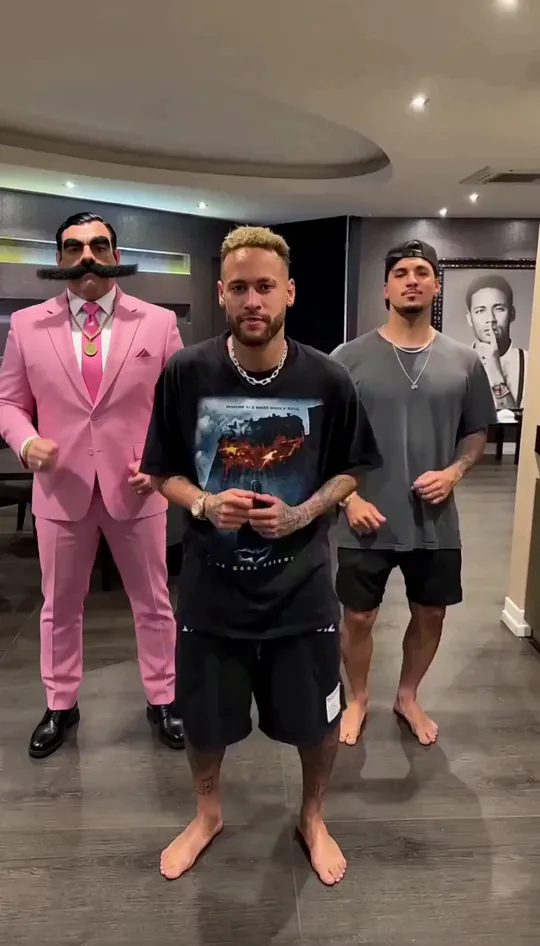
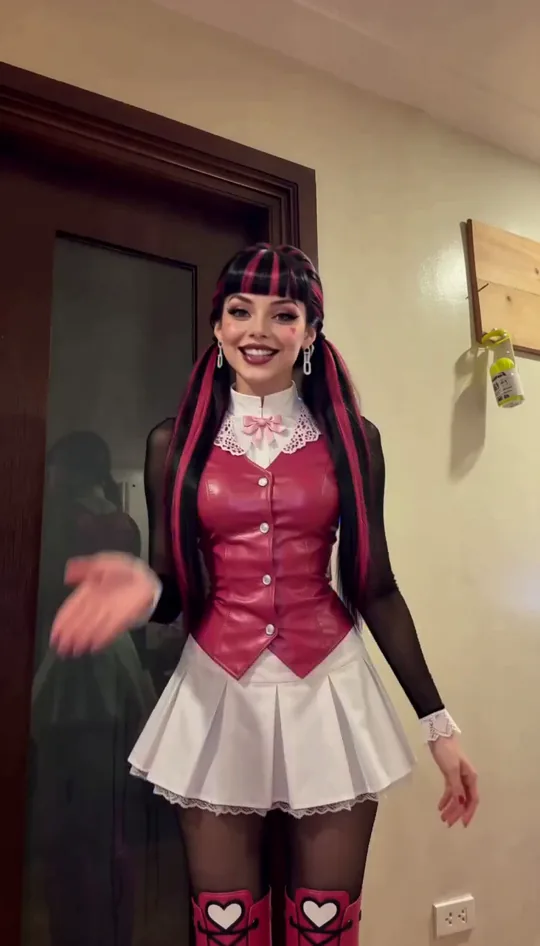
Viggle AI alternatives for swapping a character into a real video
8 min read
The right Viggle AI alternative depends on the job. To put your own character into a video that already exists, the options are Duble AI, Kling Motion Control, Higgsfield, Magic Hour and Real Xablau. For a ready-made meme template or a plan that costs nothing, Viggle itself covers it. Prices below are as of October 2026.
Duble AI is our product and is on the list, and no side-by-side test was run: this page gives only what each tool's own page documents, read on October 13, 2026, with a link in each section.
How does Viggle AI work?
Viggle is an app for web, iOS and Android that turns a character image into a video, using a motion video or a ready-made template. Its App Store page lists Motion Control, a Mix mode (one photo and one video to put you in the scene) and Viggle LIVE, which swaps a character in real time through a webcam.
Is Viggle AI free, and what does it cost?
The same page mentions more than 8,000 meme templates, up to 5 free generations a day and a 4.8 rating from about 28,000 ratings. On Viggle's pricing page, the free plan adds a watermark and takes uploads up to 1 minute. Paid plans have no watermark and take uploads up to 10 minutes. Duble AI takes 3 to 30 seconds.
Pro is shown at $7.99 a month with 80 credits. The page does not say which billing cycle that price is for. The App Store lists Pro at $9.99 monthly or $95.90 yearly, and $95.90 over 12 months is about $7.99 a month. The pages we read do not say how many credits a video uses, so we cannot work out a price per second for Viggle.
If you want to pick from thousands of templates or make a few videos a day without paying, Viggle offers that and Duble AI does not.
Why look for a Viggle alternative?
Sound comes first. Viggle's Motion Control page does not say whether the original video's sound is kept. On Duble AI the app asks what plays in the video, and the sound of the result is always the original's.
Next is a character that stays the same. On the Viggle pages we read, we found no cast of characters that carry over from one video to the next. On Duble AI the influencer is saved, with looks, photos and objects.
Reviews come third. On the App Store, read on October 13, 2026, reviewers mention template generations that never finish and a September 2025 redesign they found cluttered. Reviews are a sample of people who chose to write, and the overall rating is 4.8.
The six tools side by side
Prices and limits as of October 2026. Sources are in the sections below.
| Tool | What it does | Video you send | Original sound | From | Language and payment |
|---|---|---|---|---|---|
| Viggle | Animates an image with a motion, has meme templates and a Mix mode | Up to 1 min on the free plan, up to 10 min on paid ones | Not stated | 5 videos a day with a watermark; Pro $7.99 a month | English and Simplified Chinese; prices in $, currency not stated; no Pix found |
| Kling Motion Control | Moves an image with a reference video | Reference of 3 to 30 s (version 2.6) | Not stated | $10 a month at list price (660 credits) | 20 languages; dollars |
| Higgsfield | AI Influencer, Recast and many models | Reference of 3 to 30 s (AI Influencer) | Not stated | $15 a month, billed yearly (200 credits) | English, one Spanish section; dollars |
| Magic Hour | Character Replace, in Replace and Animate modes | Not stated | Not stated | 3 generations a day with no sign-up; Creator R$96 a month | Not stated; reais on the Brazil page |
| Real Xablau | Swaps up to 6 characters and edits scene and style | 2 to 60 s | The original audio comes back | R$1.00 a second at its normal price (R$0.50 on a promotion until October 19), with a plan or pack | Portuguese; reais, Pix or card |
| Duble AI | One saved influencer in trends and in your videos | 3 to 30 s | The original video's | $19.99 a month (100 credits) or $29.99 one-time | English and Portuguese; dollars, or reais with Pix in Brazil |
Kling Motion Control: you prepare the image and the reference video
Kling Motion Control takes a character image and a reference video, and moves the character with the video's motion and expression. In its user guide, version 2.6 asks for a reference video of 3 to 30 seconds with a single character in a single continuous shot, and recommends real humans. Version 3.0 adds Element Binding, which uses face references from several angles. The guide does not give 3.0's duration limit, and it does not say whether the reference video's audio is used.
The guide puts version 3.0 at 9 credits a second in Standard mode and 12 in Professional. On the membership page, the Standard plan gives 660 credits and shows three prices: $10 a month at list price, $6.99 for the first month and $8.80 in the months after. A 10-second clip in 3.0 Standard mode uses 90 credits. The sum, 90 × (price ÷ 660), comes to about $1.36 at list price, about $1.20 at $8.80 and about $0.95 in the first month only. More in Kling Motion Control: what it does, what it costs and where it breaks.
Higgsfield: many tools and models in one account
Higgsfield's AI Influencer builds a character from 19 menu settings, a prompt or your photo, and makes the video from a trending preset or a reference clip of your own. The page says clips of 3 to 30 seconds (its blog says 4 to 30) and outputs of 480p, 720p or 1080p. Recast swaps characters in any video, from a video and a clear photo of whoever goes in. The pages do not say whether the clip's sound is kept.
On the pricing page, Starter is $15 a month billed yearly, with 200 credits. Plus is $49 a month, or $39 on the yearly plan, with 1,000 credits and all models. Prices exclude taxes and vary by region. The cost of each video is shown inside the app before it runs, so there is no price per second to quote. Higgsfield's three products are covered in Higgsfield alternatives.
Magic Hour: three tries a day with no sign-up
Magic Hour's Character Replace takes a video and a reference image, in Replace and Animate modes. The page offers 3 generations a day with no sign-up, and free videos may carry a watermark. The documentation says 480p or 720p depending on the plan, with 480p as the default, and gives no maximum duration and nothing on audio.
Opened from Brazil, the pricing page shows Creator at R$96 a month, or R$60 a month on the yearly plan (R$720 a year). Paid plans have no watermark. Dollar prices and Pix are not stated.
Real Xablau: videos up to 60 seconds, in reais
Real Xablau takes videos of 2 to 60 seconds, swaps up to 6 characters per video and also changes the scene and the style. It says the original audio comes back in the result. It charges in Brazilian reais, with Pix or card, and its pages are in Portuguese. The full comparison, with both prices per second, is in Duble AI vs Real Xablau.
Duble AI: the same influencer in trends and in your own videos
On Duble AI you have an AI influencer (described in a sentence, built part by part, made from your own photos or taken from the cast) and you pick a trend from the library or a video of your own. The video is remade with your influencer in place of whoever is in it, and the sound is the original video's: the app never makes music or a voice. There is no prompt to write. Viggle also says it needs no complex prompting, on its Motion Control page, so that does not set the two apart.
Pricing is per second. At Standard quality (768p) that is 2 credits a second, which comes to $0.33 on the 300-credit plan at $49.99 a month. A 10-second video is $3.33 on that plan. High (2K) uses 5 credits a second, and Turbo, ready in seconds, uses 6. Without a subscription, the "A week of posts" pack is $29.99 and makes 8 ten-second videos. Credits never expire, videos come with no watermark, and credits go back at once if a video fails. Outside Brazil, payment is by card. In Brazil, packs also take Pix.
Duble AI's limits: there is no free video. Creating the influencer costs nothing (up to 3 images), but every video uses credits. The app makes no video from a text description and has no place picker, because the scene comes from the video, and the app itself warns that it may change a little. It does not swap in real time. The steps are in how to make AI trend videos and how to replace a person in your own video.
To start from scratch, create your influencer and pick the first trend. To compare more tools, see AI character swap video tools.
Frequently asked questions
- How does Viggle AI work?
- According to its App Store page, you give Viggle a character image plus a motion video or a ready-made template, and it makes a video of the character moving that way. Its Mix mode puts a character into an existing clip, and Viggle LIVE swaps one in real time through a webcam.
- Is Viggle AI free?
- Partly. Its pricing page, read in October 2026, gives the free plan 5 videos a day with a watermark and uploads up to 1 minute. Paid plans remove the watermark. Duble AI has no free video: creating your influencer costs nothing, up to 3 images, and videos use credits.
- How much does Viggle AI cost?
- In October 2026 its pricing page shows Pro at $7.99 a month with 80 credits and does not say which billing cycle that price is for. The App Store lists Pro at $9.99 monthly or $95.90 yearly. On Duble AI, plans start at $19.99 a month.
- What is the best alternative to Viggle AI?
- It depends on the job. To put a character into a real video, the options are Duble AI, Kling Motion Control, Higgsfield, Magic Hour and Real Xablau. For ready-made meme templates, Viggle itself lists more than 8,000 on its App Store page.
- Does Viggle AI keep the original sound of a video?
- Viggle's Motion Control page does not say, as of October 2026. On Duble AI the sound of the finished video is always the original video's: the app asks what plays in it and never creates music or a voice.