Motion control AI explained: what it does and which tool is for which job
3 min read
Motion control AI means giving a video model a reference video to copy the movement from, instead of describing the movement in words. In Kling's Motion Control, for example, you send a picture of a character and a video, and the character repeats the video's movement and expression. The term covers three jobs, and the tools that come up in search do not all do the same one.
Duble AI, named below, is our product, and nobody ran a side-by-side test of the tools here.
Making a picture follow a movement
A character image and a video of the movement go in. A video of that character moving that way comes out. This is what Kling calls Motion Control.
In Kling 2.6, the guide takes a reference video of 3 to 30 s with a single character in one continuous shot, and recommends a real person. Viggle pairs an image with a motion video or one of its ready-made templates (App Store listing). Higgsfield's Genjutsu does "motion transfer", applying the movement of a 4 to 30 s clip to a new character or scene (launch guide). Wan Animate has an Animate mode that moves a still image with a video's motion (VEED).
Price, limits and what usually goes wrong are in Kling Motion Control, and the comparison with Wan Animate and Runway Act-Two is in Kling vs Wan Animate vs Runway Act-Two.
Swapping a character into footage that already exists
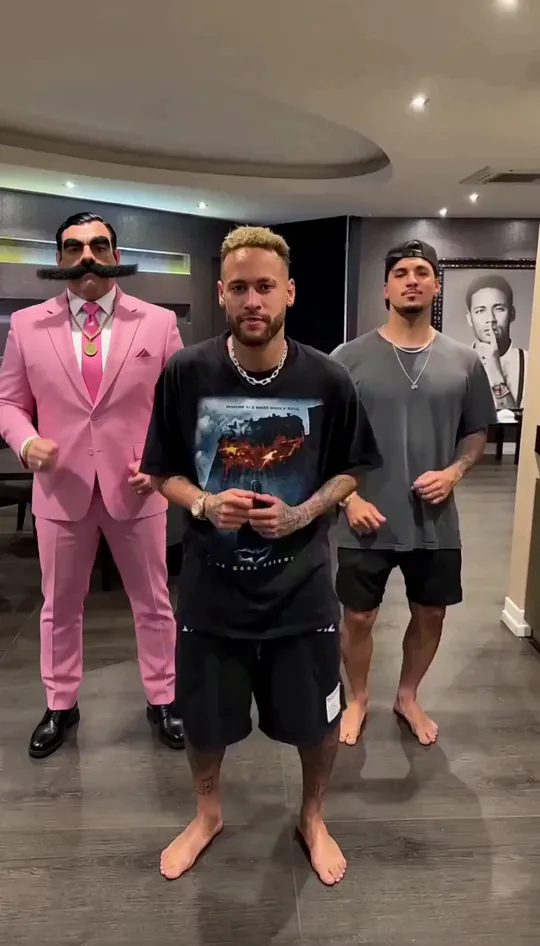
Here the starting point is a real video, and the tool changes who is in it. Real Xablau, for example, keeps the speech, gestures and camera of the original and returns the original audio in the result (its page). Wan Animate in Replace mode, Higgsfield's Recast, Magic Hour's Character Replace and Duble AI do this job too.
The limits, prices and sound of each are in the comparison of AI character swap video tools.
Moving the camera
The third use of the term is steering the camera of a generated scene: closer, farther, around the character. Kling's Motion Control guide touches it at the edge: with Character Orientation Matches Image, camera movement is set through the prompt (guide). It is a separate job, and this page points to no tool for it. On Duble AI you cannot choose the camera or the scene: both come from the video you pick.
What Duble AI does
Duble AI does the second job. You send no motion video and prepare no image. The video is a trend from the library or a clip of your own that you have the right to use, of 3 to 30 seconds, and the AI influencer you picked (the app calls it a double) takes the place of whoever is in it and follows its movement. The sound is the video's own, and the scene may change a little.
Ten seconds cost 20 credits, from $3.33. The steps are in how to make AI trend videos and how to replace a person in a video of your own. To start, create your AI influencer.
What to check before you pay
Four things sales pages rarely state, and that change the result: the longest clip the tool accepts, what about ten seconds cost, whether the original sound carries over, and whether the site and the payment suit you. Of the tools named here, only Real Xablau and Duble AI say, on the pages we read in October 2026, that they keep the original sound.
Frequently asked questions
- What is motion control in AI video?
- It means giving a video model a reference video to copy the movement from, instead of describing the movement in text. In Kling, Motion Control takes a picture of a character and a video, and the character repeats the video's movement and expression.
- Which AI tools have motion control?
- Kling sells it under the name Motion Control. Viggle, Higgsfield's Genjutsu and Wan Animate carry a video's movement over to a character in a similar way. To put a character in place of someone in an existing video, there are also Recast, Real Xablau and Duble AI.
- What is the best motion control AI?
- It depends on the job, and nobody compared results side by side for this page, so we name no best one. To swap who appears in an existing video, compare the longest clip, what about ten seconds cost, and whether the original sound is kept.
- How much does Kling Motion Control cost?
- In Kling's guide, Motion Control 3.0 uses 9 credits a second in Standard mode and 12 in Professional. Ten seconds in Standard is 90 credits: $1.36 at the Standard plan's list price, $0.95 in the first month and $1.20 after, as of October 2026.
- Does motion control keep the reference video's sound?
- It depends on the tool, and many do not say. On the pages read in October 2026, Kling, Viggle, Higgsfield, Magic Hour and the Wan Animate hosts do not state it. Real Xablau and Duble AI say the original sound is kept.
- Is there a free motion control AI?
- With limits. As of October 2026, Viggle lists 5 videos a day with a watermark on its free plan. On Duble AI no video is free: making the AI influencer costs nothing, up to 3 images, and every video costs credits.